
What we help with
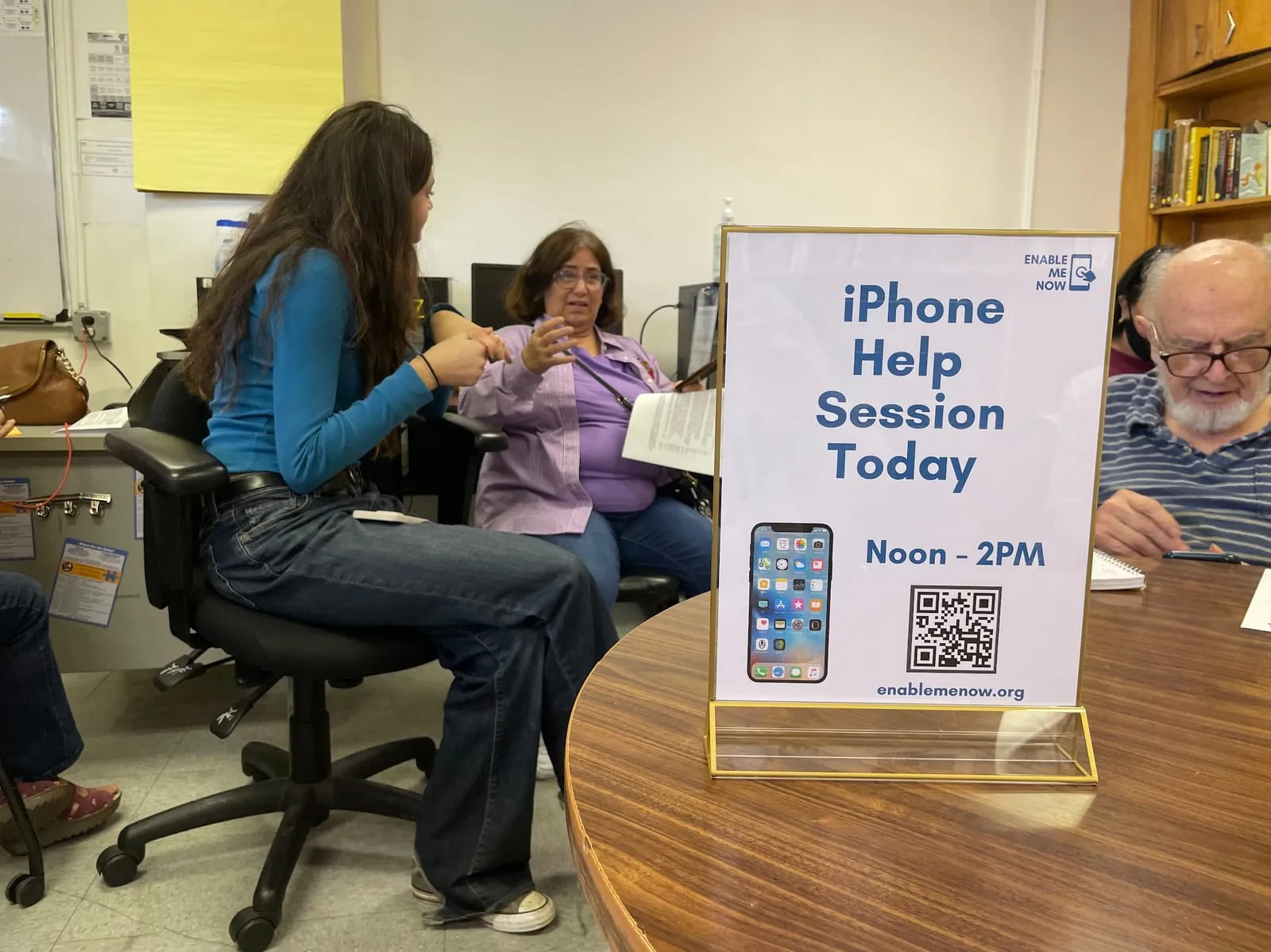
At a workshop we hand out this list, and you pick what you want help with. You can also arrive with your own question — most people do. Everything gets set up on your own phone, by you, with a volunteer sitting next to you.
Workshops are free, and they cover iPhone only.
Reminders and notifications
- Alarms & RemindersSet alarms and reminders.
- Notification SettingsManage app notifications, priorities, and Do Not Disturb.
- NotificationsCustomize notification banners and vibrations.
- RingtonesCustomize your ringtone and notification sounds.
Everyday basics
- App NavigationInstall, organize, and search for apps.
- Home ScreenRearrange icons, create folders, and customize layout.
- Screen BrightnessAdjust screen brightness and auto-brightness.
- Wi-Fi ConnectionsConnect to Wi-Fi networks and troubleshoot issues.
Voice, security and payments
- Apple PayAdd payment cards, make contactless payments, and shop online.
- Face ID/Touch IDSet up biometric authentication for security.
- SiriUse Siri voice commands for tasks and questions.
Staying in touch
- Calls & TextsMake calls, send texts, and manage calls.
- ContactsManage your contacts, add, and edit details.
- Email BasicsSend and receive emails, compose, and organize your inbox.
- Email SetupAdd new email accounts, set signatures, and manage syncing.
- FaceTimeMake video calls, use effects, and record calls.
Camera, photos and maps
- Camera BasicsAccess the camera, take photos, and switch cameras.
- GPS & MapsGet directions, find places, and use Street View.
- Photos & VideosOrganize, edit photos, and create videos.
Common questions
What does it cost?
Nothing. Enable Me Now workshops are free, and always have been. We are a volunteer program run by teenagers in partnership with community organizations.
Do I need to bring anything?
Bring your own iPhone, and make sure you know your passcode and your Apple ID password if you have one. Everything is set up on your own phone so it is still there when you go home.
Do you help Android users?
No. Our workshops cover iPhone only. Everything on the list above is an iPhone feature, and our volunteers help with the phones they use themselves.