We help people set up accessibility features on their phones in order to make their lives easier.
Free. Run by teenagers. Workshops with community organizations across New York City.
For community organizations
Request a free workshop for your organization
Workshops are free. We bring the volunteers and the feature checklist; you bring a room and the people you serve.
For students 14 and older
Start an Enable Me Now chapter in your area
You run the workshops where you live. We give you the training, the checklist, and someone to ask. It costs nothing.
How Enable Me Now works
What
Enable Me Now connects teens with people who would benefit from accessibility features on their phones but don't know how to set them up.
Why
Most teens already know how to set up smartphone features. We show them how to put those skills to good use by helping others.
Where
Workshops at community centers in NYC. We hope to expand to more cities and plan to show other teens how to run their own workshops.
How
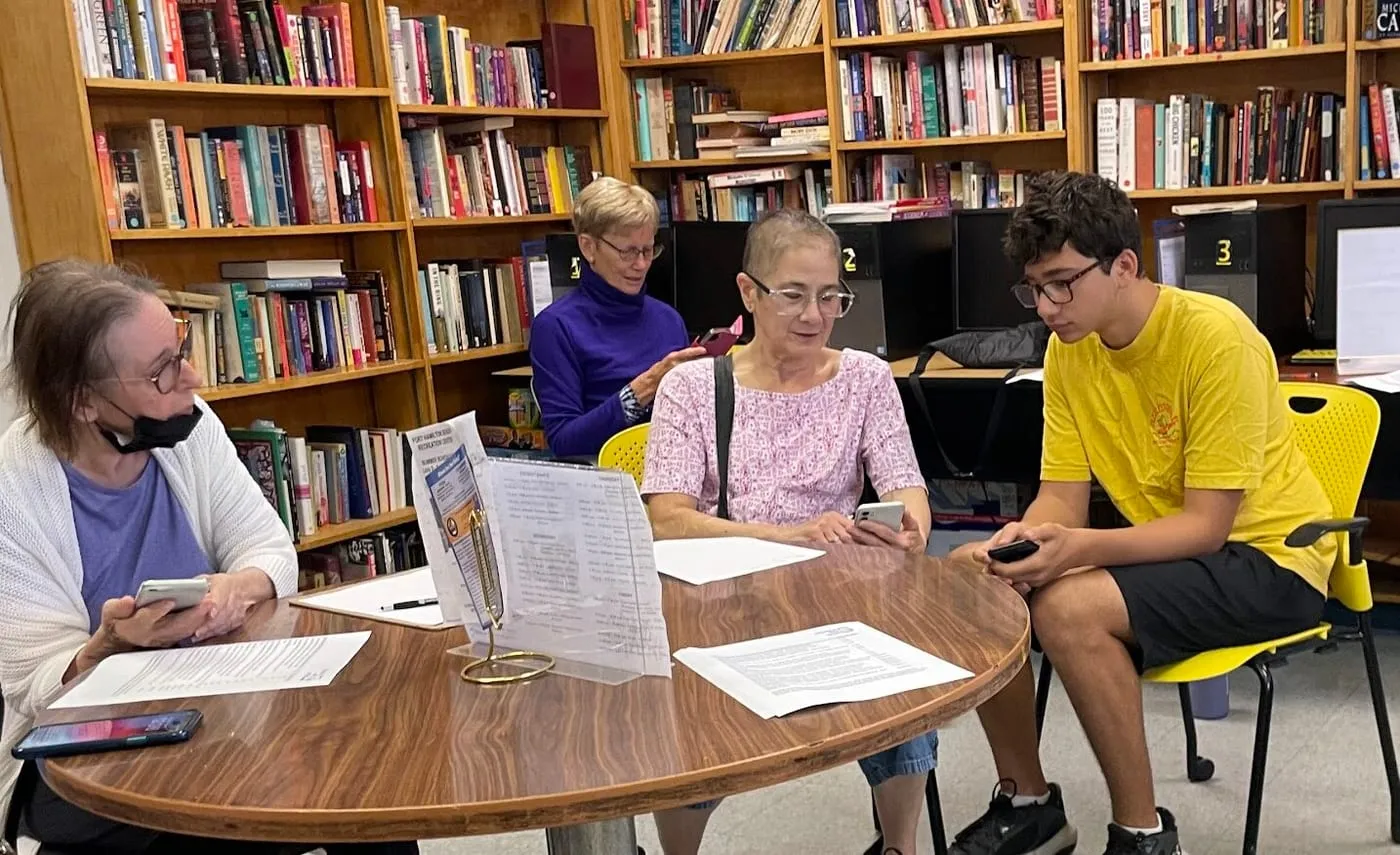
We partner with community organizations to schedule workshops for their clients. During the workshops we meet as a group, show participants what features are available, and help them set up the features they want on their own phones.
The basics
- FreeWorkshops are free, and always have been.
- Your own phoneEverything is set up on your own phone so it is still there when you go home.
- iPhoneWorkshops cover iPhone.
- AndroidOur workshops cover iPhone only.
What we help with
At a workshop you pick what you want help with, and a volunteer sits down with you and your own phone. A few of the 19 things on the list:
- Alarms & RemindersSet alarms and reminders.
- Face ID/Touch IDSet up biometric authentication for security.
- SiriUse Siri voice commands for tasks and questions.
About Enable Me Now
Founded in 2023 by two teens from Brooklyn.
We created this service after helping a family friend who has multiple sclerosis configure their iPhone.
Workshops are free and cover iPhone. You bring your own phone, and you leave with it set up the way you want it.
Where we have worked
We have run workshops with the Fort Hamilton Senior Recreation Center, the Brooklyn Public Library, the New York State Military Museum and Veterans Research Center, Commonpoint Sam Field, and a New York City Department of Parks & Recreation senior recreation center.
Who this is for
If you serve a group of people who may benefit from Enable Me Now, get in touch and we will arrange a workshop.
If you are a student who wants to run this where you live, you can establish and run your own program. We’ll tell you everything we know and give you the tools you need to succeed.